Why we're building milo
We spent years building tools to make developers faster. Then the developer changed.
Hi, we're James and Eduardo, and this is the first post on the milo blog. Before we tell you what milo does, we want to tell you how we got here.

We built things for developers
For most of our careers, our job was to make developers effective.
We built developer consoles: the fancy passkey logins, the dashboards where you create your first API key, the request builders where you send your first call, the logs where you finally see why that webhook never arrived. We built the "Try it" API playgrounds, the code samples, the onboarding checklists that turn green one step at a time, and the error pages that try to tell you what to do next.
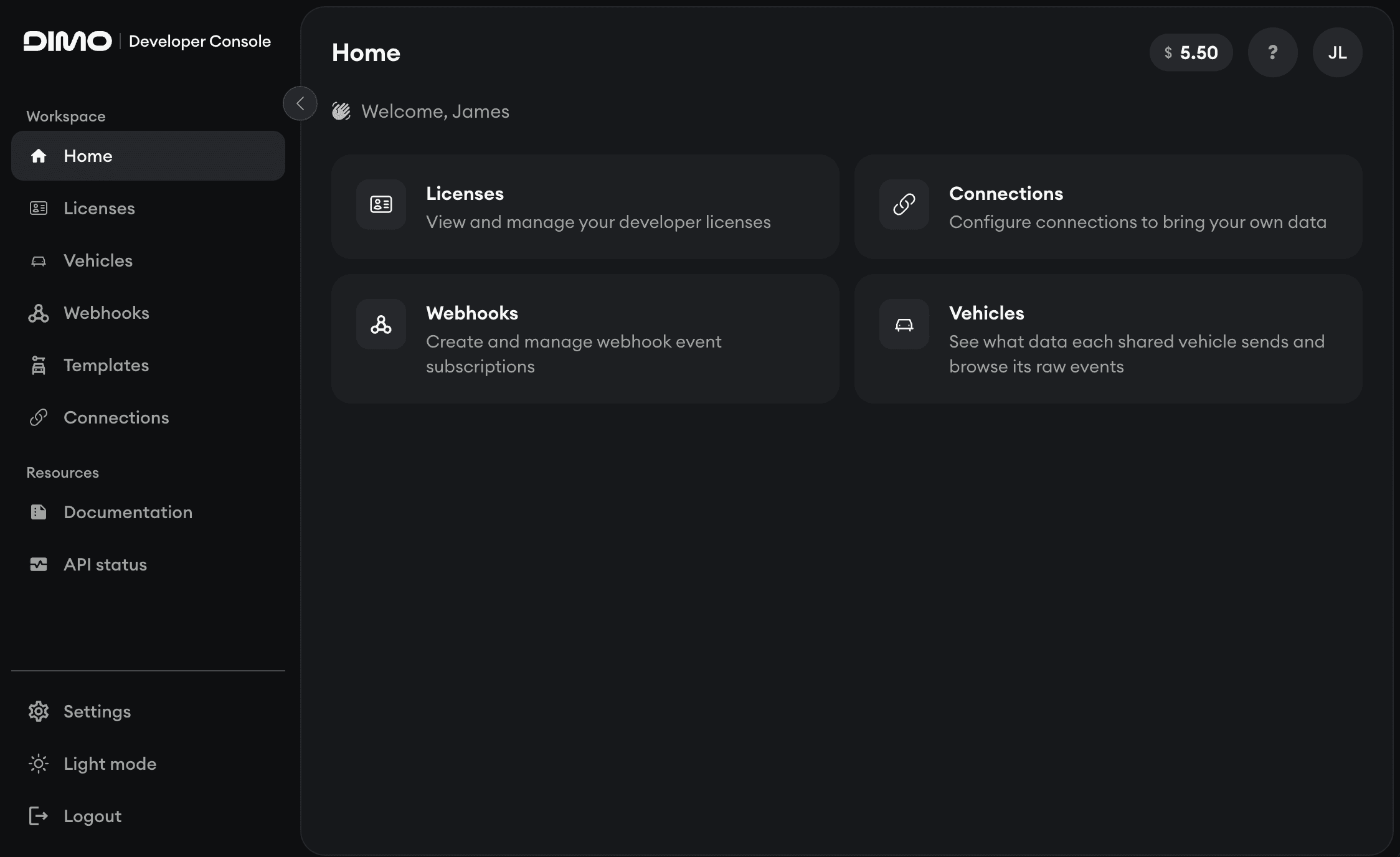
We cared about the small things, because in developer tools the small things matter most. A clearer label could save someone an hour. A better empty state could stop someone from quitting at 11pm on a Friday. We watched session recordings of people getting stuck and felt it ourselves. When someone sent a message saying "got it working, thank you," it made our week.
The whole job came down to one idea: if you understand the developer in front of the screen, you can get them to success faster.
Then the developer stopped looking at the screen
It happened slowly, and then all at once.
The developers we were building for started handing work to coding agents. They'd open Claude Code or Cursor, describe what they wanted, and let the agent take it from there. The agent never saw our console. It never clicked "Try it." It didn't care that the onboarding checklist turned green, or that we'd spent a week getting the sidebar right.
All of it, the fancy passkey login included, got replaced by a CLI. The agent reads a key from an environment variable and does the rest in a terminal. It's a little funny, because that's where we started. We fiddled around with command lines as kids, long before we learned to build a polished dashboard. Now the terminal is the interface that matters again.
It went straight for the things we'd treated as plumbing: the OpenAPI spec we'd auto-generated and never really read, the CLI that stopped to ask a question nobody was there to answer, the error message that said 400 Bad Request and nothing else, and the docs page that explained auth in three friendly paragraphs but never actually said which header to send.
What developers used
- Developer consolekeys, request builder, logs
- “Try it” panelsfirst call from the docs
- Copy buttonson every code sample
- Onboarding checklistgreen one step at a time
What agents read
- OpenAPI specevery field, every example
- CLI help and outputno prompts, parseable output
- Error messageswhat went wrong, what to send
- Docs, llms.txt, MCP toolsthe text, not the layout
That was hard to accept. A lot of what we'd built with real care just didn't matter to this new kind of user. Agents don't need a beautiful console. They don't need a guided tour or a copy button. What they need is less glamorous: a complete spec, a real example for every request, a CLI that never waits for input, output they can parse, and errors that explain what went wrong.
What made it worse was that agents rarely tell you when they fail. A person who got stuck would at least email support. An agent writes something that looks right, runs its own tests, and reports that it's done. We saw webhook handlers that accepted correctly signed events and forged ones too, while the agent said "signatures verified." Nothing in the transcript looked wrong. The integration was still broken.
What the agent said
What happened in the sandbox
| Signed invoice.paid | 200 | recorded |
| Forged signature | 200 | expected 400 |
Integration broken
The loop is missing
The thing that made developer experience work was a loop. Watch real developers try real tasks, see where they get stuck, fix the thing that tripped them up, then measure again.
Nobody has that loop for agents yet. API monitoring tells you requests succeeded, not whether the integration was correct. Most agent evals grade the transcript, which is like grading an exam against the student's own answer key. Docs analytics count page views, and agents don't browse.
So teams are shipping skills, llms.txt files, MCP servers and AGENTS.md files without knowing what works. Someone writes a skill file and hopes for the best. Did it help? Did the agent even load it? Most teams can't answer that today.
We've spent our careers on that loop for human developers. Now we're building it for agents.
What milo does
milo measures how well coding agents do with your API, shows you where they fail, and helps you build an agent toolkit that gets them through.
- 1ScanLint your spec, CLI, MCP server and docs. No model calls.
- 2TasksReal developer tasks you approve. Some held out.
- 3CheckInspect the sandbox: records, webhooks, requests.
- 4ImproveTrace each failure to a file, with a suggested change.
Re-run on the same tasks to confirm the change helped
- Scan what you already have. milo reads your OpenAPI or GraphQL spec, CLI, MCP server and docs and lists what trips agents up, without making any model calls. For example, it will flag an MCP tool list that costs agents 4,000 tokens on every turn.
- Get a task suite. milo drafts real developer tasks from your API and you approve them. Some tasks are held out, so later changes are judged on tasks they weren't tuned for.
- Check what actually happened. Agents run each task in their own sandbox account. milo then inspects the account itself (the records, the webhooks, the requests) instead of trusting what the agent says.
- Improve it. Each failure is traced to the file that caused it, with a suggested change you can review. Re-run to confirm the change helped.
A few principles guide how we build it:
- Outcomes over transcripts. Results are judged by what happened in your API, not by what the agent reported.
- Real numbers, not lucky runs. We use repeated trials and confidence intervals, so a higher score means a better toolkit and not noise.
- Start from what you ship. You don't need a rewrite or a new platform. milo works with the spec, docs and tools your developers already use.
Work with us
We still believe the same thing we always have: if you understand the developer, you can get them to success. The developer just looks different now.
If you build developer tools, and especially if you've spent years polishing a console that agents never open, we'd love to show you how coding agents really do with your API.
Test how agents work with your tools →
James & Eduardo